
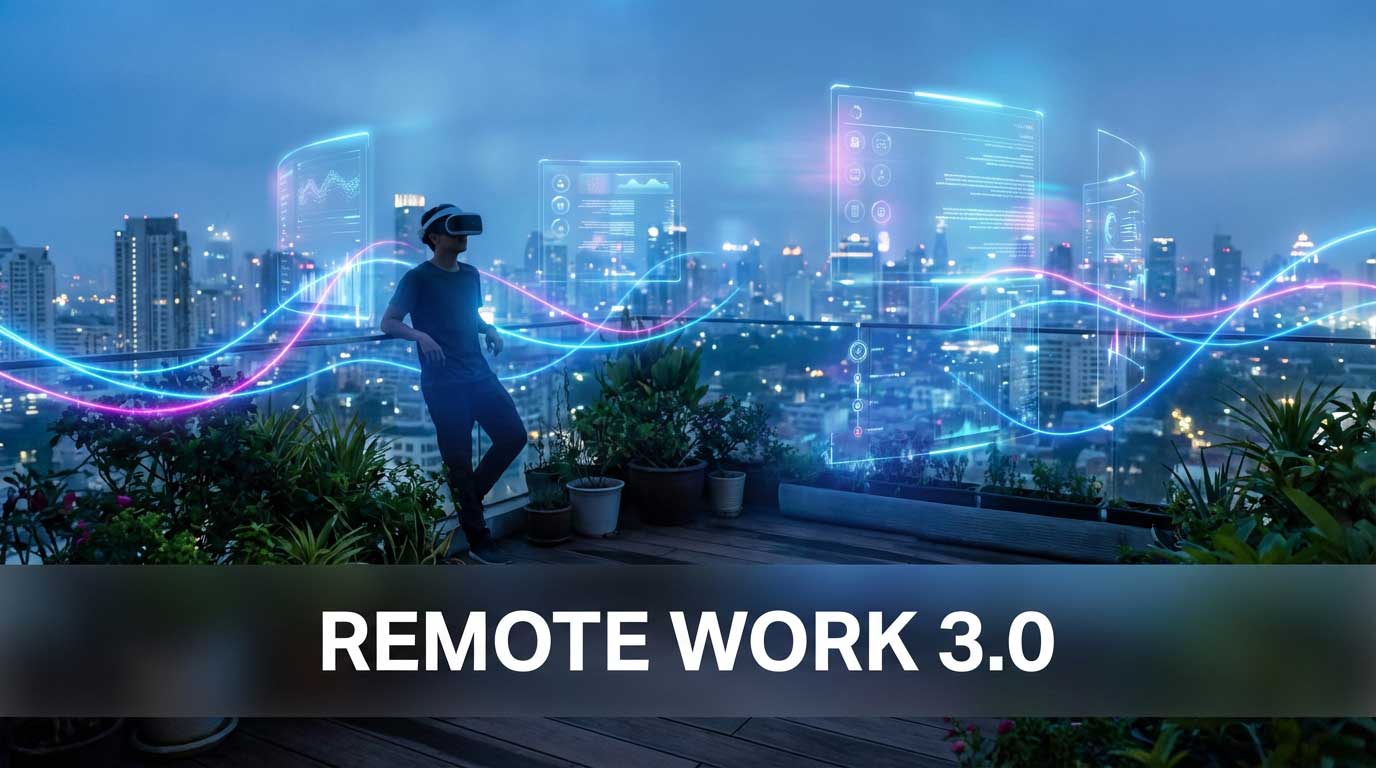
If you have ever stared at a grid of silent faces on a screen for an hour and felt completely drained, you are not alone. This phenomenon, known as “Zoom fatigue,” has plagued remote workers since 2020. But while 2D video calls were a necessary bridge during the pandemic, a shift is happening. We are moving toward Remote Work 3.0, a phase defined not by staring at screens, but by stepping inside them.
Spatial collaboration is gaining traction rapidly because it solves the biggest problem of remote work: the lack of physical presence. Instead of decoding pixelated facial expressions, you share a 3D environment where audio comes from specific directions and body language actually reads. By the end of this breakdown, you will understand how this technology works, why it feels different, and how you can start using it.
Spatial collaboration refers to the use of 3D virtual environments where users interact via avatars to manipulate digital objects in real-time. According to PwC’s VR Soft Skills training study, employees trained in VR were up to 4 times more focused during training than their e-learning peers. This data suggests that 3D immersion significantly outperforms 2D video for engagement and retention.
What Is Remote Work 3.0 and Why It Matters for Productivity
Remote Work 1.0 was email and phone calls. Remote Work 2.0 was the era of video conferencing tools like Zoom and Teams. Remote Work 3.0 introduces spatial depth. In this new model, your digital office is a persistent 3D space. You do not just “join a call”; you enter a room.
The difference might sound subtle on paper, but in practice, it changes how your brain processes information. In a 2D call, your brain works overtime to interpret non-verbal cues that are often missing or delayed. In a spatial environment, you rely on natural instincts. You turn your head to hear someone speaking on your right. You point at a whiteboard to direct attention. The technology disappears, allowing the conversation to flow.
The global metaverse market in the workspace is expanding as companies seek alternatives to hybrid friction. Data from Statista’s 2024 market analysis projects the enterprise metaverse market will reach $10.8 billion by 2025. This growth is driven primarily by the need for better remote collaboration tools in engineering, design, and creative sectors.
Core Components of Spatial Collaboration
To understand why this works better than video, we need to look at the three pillars of the technology:
- Avatars: These digital representations range from cartoon-like characters to photorealistic holograms. They track your head and hand movements, conveying intent without requiring you to be “camera ready.”
- Spatial Audio: This is arguably more important than visuals. If a colleague stands to your left, you hear them from the left. This allows for side conversations and cocktail-party-style mingling, which is impossible on Zoom.
- Persistent 3D Environments: Unlike a video call that ceases to exist when the host ends it, a spatial room can remain. You can leave notes on a whiteboard and find them there the next day.
How Spatial Collaboration Works: The Tech Behind the Immersion
The magic of spatial collaboration relies on tricking your brain into accepting a virtual space as a physical reality. This sensation is called “presence.” Achieving presence requires hardware that can track movement with low latency and software that renders environments realistically.
Meta Quest 3 features full-color passthrough and a display resolution of 2064 x 2208 pixels per eye, offering a sharp visual experience for reading text in virtual workspaces. With a starting price of $499, it provides an accessible entry point for professionals compared to the $3,499 Apple Vision Pro, while still supporting major collaboration apps like Horizon Workrooms and Immersed.
The hardware tracks your position in the room using cameras or sensors. When you lean forward to look closely at a 3D model, the headset updates the view instantly. This 1-to-1 movement correlation reduces motion sickness and makes interactions feel natural. It removes the abstraction layer found in 2D interfaces where you must drag a mouse to move a view.
However, you need alot of bandwidth to make this smooth. High-speed internet is critical to synchronize the movements of multiple avatars and the position of 3D objects in real-time. If there is lag, the illusion of presence breaks immediately.
Spatial Collaboration vs. Video Conferencing: A Clear Breakdown
While video conferencing is excellent for quick status updates, it fails at complex collaboration. Here is how spatial computing compares to the standard video grid.
Cognitive load during virtual meetings is significantly lower in spatial environments compared to video conferencing. A study by the Stanford Virtual Human Interaction Lab found that the “all-day mirror” effect of seeing oneself constantly on video causes fatigue. Spatial collaboration removes this self-view pressure, allowing users to focus entirely on the content and their colleagues.
Comparison: The Zoom Grid vs. The Virtual Room
- Audio: Zoom creates a “one at a time” audio funnel. If two people talk, no one is heard. Spatial audio allows multiple simultaneous conversations based on proximity.
- Focus: On video, it is easy to tab out and check email. In VR, you are fully immersed in the environment, which forces single-tasking and improves focus.
- Content Sharing: Zoom offers “screen sharing,” which takes over everyone’s view. Spatial apps allow you to spawn multiple virtual monitors and pass 3D objects around like physical items.
- Body Language: Video shows heads and shoulders. Spatial computing tracks hands and head orientation, showing where someone is looking and what they are gesturing at.
Which Collaboration Style Is Right for You?
Choose Standard Video Conferencing (Zoom/Teams) if you:
- Need to have a quick 15-minute stand-up meeting.
- Are communicating with external clients who do not own headsets.
- Prioritize convenience over deep engagement.
- Have a budget of $0 for new hardware.
Choose Spatial Collaboration if you:
- Run creative workshops, design reviews, or brainstorming sessions.
- Have a fully remote team that lacks social bonding.
- Need to review 3D assets (architecture, product design, game dev).
- Want to eliminate the fatigue associated with constant eye contact on video.
Remote Work 3.0 in Practice: Real Applications
It is easy to dismiss this tech as “gaming for work,” but major industries are already adopting it. Architecture firms use apps like Arkio to walk clients through buildings before they are built. Tech companies use Immersed to give developers five virtual monitors without the desk clutter.
Enterprise adoption of VR training has shown to reduce training time by 40% compared to classroom settings. According to UploadVR’s coverage of enterprise data, this efficiency gain is driving companies like Walmart and Bank of America to deploy thousands of headsets for employee development, moving beyond simple communication to active skill-building.
Getting Started: Your First Steps
If you are ready to try Remote Work 3.0, follow this checklist to ensure a smooth transition.
- Select Your Hardware – The Meta Quest 3 is the best value all-rounder. The Apple Vision Pro offers superior resolution but at a high premium.
- Choose Your Platform – For general meetings, try Horizon Workrooms or Microsoft Mesh. For productivity and multiple screens, try Immersed. For creative 3D work, look at ShapesXR.
- Create Your Avatar – Spend time making it look like you. This helps your colleagues recognize you instantly, aiding the sense of presence.
- Start Small – Do not try to hold an 8-hour shift in VR on day one. Start with a 30-minute brainstorming session to get used to the weight of the headset.
Pro Tip: Use the “passthrough” feature on modern headsets. This allows you to see your physical keyboard and coffee mug while still seeing your virtual screens and colleagues. It blends the best of both worlds and prevents the feeling of isolation.
The Future of Immersive Work: Where Things Are Heading
The technology is evolving rapidly. We are moving from bulky headsets to lighter, glasses-like form factors. Software is also improving. Artificial Intelligence is beginning to play a huge role in spatial computing. Imagine an AI assistant that takes notes on a virtual whiteboard while you talk, or translates a colleague’s language in real-time with captions floating above their avatar.
The market for augmented and virtual reality headsets is recovering after a post-pandemic adjustment. IDC reports that headset shipments are forecast to grow by 44% in 2025 as new hardware from major players enters the market. This surge indicates that spatial computing is moving from a niche enthusiast category to a standard enterprise tool.
However, challenges remain. Battery life on standalone headsets is typically around two hours, which limits workday length. Comfort is also subjective; some people find the weight of a headset distracting after 45 minutes. Its performance is improving with every generation, but we are not at the “sunglasses” stage yet.
Future spatial collaboration trends point toward a hybrid model of “mixed reality” rather than full virtual reality. Gartner predicts that by 2027, 25% of people will spend at least one hour a day in the metaverse for work, shopping, education, social, or entertainment. This shift suggests that spatial computing will become a daily utility rather than an occasional novelty.
The future looks bright, but we need better batteries for long sessions.
Quick Takeaways
- Spatial collaboration creates presence – It uses 3D audio and avatars to mimic the feeling of being in the same room.
- Engagement increases by 4x – PwC data shows 4x greater focus in VR training compared to e-learning.
- Use it for creative work – Spatial tools excel at brainstorming and design reviews, not just status updates.
- Audio is key – Spatial audio allows for natural “cocktail party” conversations that 2D video cannot support.
- Choose based on need – Stick to Zoom for quick chats; switch to VR for deep collaboration or social bonding.
- Start with short sessions – Begin with 30-minute meetings to build tolerance and comfort.
Frequently Asked Questions
What is spatial collaboration?
Spatial collaboration is the use of virtual or augmented reality technology to work together in a shared 3D digital environment. Unlike 2D video calls, it allows users to interact with digital objects and each other using avatars and spatial audio, creating a sense of physical presence.
How does spatial collaboration compare to Zoom?
While Zoom relies on grid-based video and screen sharing, spatial collaboration uses a 3D environment. Zoom is better for quick information exchange, while spatial tools excel at complex brainstorming, social bonding, and reviewing 3D models. Spatial audio also enables side conversations, which are impossible on Zoom.
What are the best use cases for remote work 3.0?
The best use cases include design reviews (architecture, product design), creative brainstorming sessions using virtual whiteboards, and team-building social events. It is also highly effective for focused work sessions where you need multiple virtual monitors without physical desk clutter.
What do I need to get started with spatial collaboration?
You primarily need a VR/MR headset like the Meta Quest 3 or Apple Vision Pro for the full experience. However, many platforms like Microsoft Mesh or Spatial.io also offer a desktop mode (“2D mode”) that allows you to participate via a standard computer, though with less immersion.
How comfortable is a VR headset for extended work?
Comfort varies by user and device. Most modern headsets like the Quest 3 are comfortable for 45 to 90 minutes. For longer sessions, users often invest in third-party head straps or facial interfaces. It is generally recommended to take breaks every hour to reduce eye strain and fatigue.
What specifications matter most for a work headset?
Resolution (pixels per degree) and weight are the two most critical specs. High resolution is necessary to read text on virtual monitors clearly without eye strain. Low weight and good balance are essential for physical comfort during meetings that last longer than 30 minutes.
What developments are coming for spatial work?
The industry is moving toward lighter, smaller mixed-reality glasses and better passthrough technology. In the near term, expect deeper integration with standard productivity tools (like Microsoft Office) and AI assistants that can generate 3D objects or summarize spatial meetings automatically.